


Gamma correction is a crucial aspect of optimizing the visual output of a reversing camera in a pickup truck series. As a dedicated supplier of pickup truck series reversing cameras, I understand the significance of ensuring that these cameras deliver clear, accurate, and visually appealing images. In this blog post, I will share some insights on how to adjust the gamma correction of a reversing camera in a pickup truck series.
Understanding Gamma Correction
Before delving into the adjustment process, it's essential to understand what gamma correction is and why it matters. Gamma correction is a technique used to adjust the brightness and contrast of an image. In the context of a reversing camera, it helps to enhance the visibility of objects in different lighting conditions, such as bright sunlight or low - light environments.
The human eye perceives light in a non - linear way. Gamma correction compensates for this non - linearity by adjusting the relationship between the input signal (from the camera sensor) and the output brightness on the display. A correct gamma setting can make the difference between a washed - out or overly dark image and a clear, well - defined one.
Tools Required for Gamma Adjustment
To adjust the gamma correction of a reversing camera in a pickup truck series, you will need the following tools:
- A compatible monitor or display unit that is connected to the reversing camera. This could be the in - dash display of the pickup truck.
- A test pattern or a well - lit area with various objects at different distances. This will help you evaluate the effectiveness of the gamma adjustment.
- Access to the camera's settings menu. Most modern reversing cameras come with a menu system that allows you to adjust various parameters, including gamma.
Step - by - Step Guide to Adjusting Gamma Correction
Step 1: Prepare the Environment
Park your pickup truck in a well - lit area. If possible, choose a location with a mix of bright and shaded areas, as this will help you test the camera's performance under different lighting conditions. Make sure the camera is clean and free from any obstructions that could affect the image quality.
Step 2: Access the Camera Settings
Locate the settings menu of the reversing camera. This can usually be done by pressing a specific button on the monitor or using the vehicle's infotainment system. Navigate through the menu until you find the gamma correction option.
Step 3: Start with the Default Setting
Begin with the default gamma setting provided by the camera manufacturer. This setting is often a good starting point, as it is designed to work well in a wide range of conditions. Display the camera's output on the monitor and observe the image quality.
Step 4: Evaluate the Image
Look for areas in the image that appear too bright or too dark. In bright sunlight, objects may be overexposed, while in shaded areas, details may be lost. Pay attention to the edges of objects, as well as the overall color accuracy.
Step 5: Make Incremental Adjustments
If the image appears too bright, decrease the gamma value. A lower gamma setting will make the image darker and can help to reduce overexposure. Conversely, if the image is too dark, increase the gamma value. Make small adjustments (usually in increments of 0.1 or 1 unit, depending on the camera's settings) and observe the changes in the image quality after each adjustment.
Step 6: Test Different Lighting Conditions
After making an adjustment, drive the pickup truck to different areas with varying lighting conditions. Test the camera's performance in bright sunlight, under a shaded tree, and at night. This will ensure that the gamma setting works well in all situations.
Step 7: Fine - Tune the Setting
Continue to make small adjustments until you achieve the optimal gamma setting. The goal is to have a clear, well - defined image with accurate colors and good contrast in all lighting conditions.
Specific Considerations for Different Pickup Truck Models
Different pickup truck models may have unique requirements when it comes to gamma correction. For example, the Ford F - Series Truck Legacy Reverse Camera (2004 - 2014 Full Compatibility) is designed to work with older Ford F - Series trucks. These trucks may have different electrical systems and display units, which can affect the camera's performance. When adjusting the gamma for this camera, it's important to consider the age and condition of the vehicle's display.
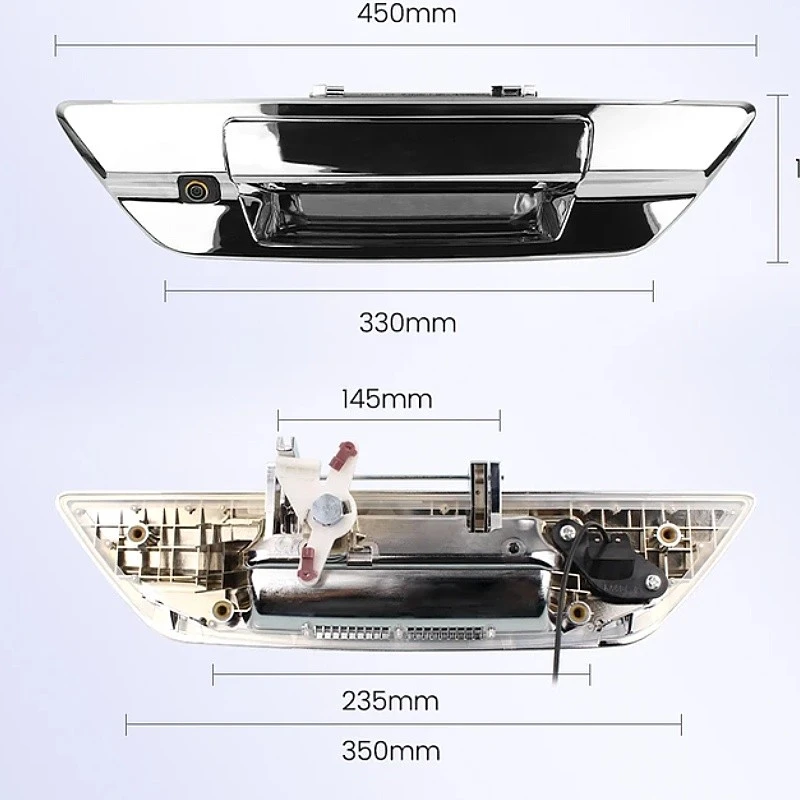
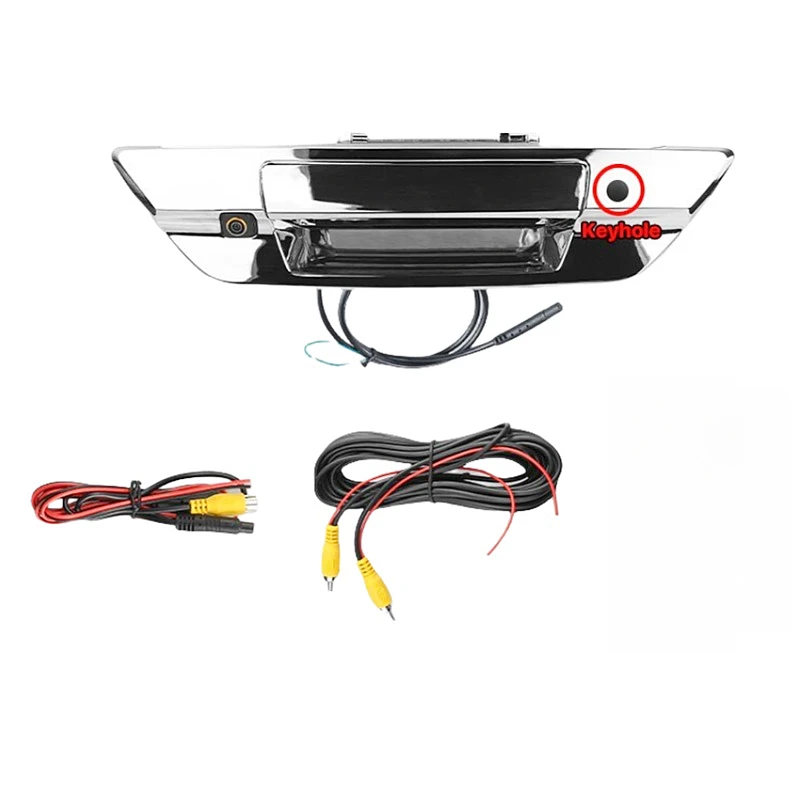
The Toyota Hilux Chrome Edition Reverse Camera is tailored for the Toyota Hilux. This model may have specific color calibration requirements due to the vehicle's interior lighting and display characteristics. Adjust the gamma setting while keeping in mind the overall color scheme of the Toyota Hilux's cabin.
The Ford F - Series Truck Outdoor Reverse Camera (Full Compatibility 2015 - 2023) is built for more recent Ford F - Series trucks. These trucks often come with advanced infotainment systems that can provide a high - quality display. However, they may also have more complex settings, so take your time to navigate through the menu and make accurate adjustments.
Importance of Proper Gamma Correction
Proper gamma correction offers several benefits for pickup truck owners. Firstly, it improves safety. A clear and well - defined image from the reversing camera allows drivers to better identify obstacles, pedestrians, and other vehicles when backing up. This can help to prevent accidents and collisions.
Secondly, it enhances the overall user experience. A high - quality image with accurate colors and good contrast makes the reversing camera more useful and enjoyable to use. It also reflects positively on the vehicle's overall quality and technology.
Conclusion and Call to Action
Adjusting the gamma correction of a reversing camera in a pickup truck series is a relatively simple process that can significantly improve the image quality. By following the steps outlined in this blog post, you can ensure that your reversing camera provides clear and accurate images in all lighting conditions.
As a supplier of pickup truck series reversing cameras, we are committed to providing high - quality products and excellent customer service. If you have any questions about gamma correction or are interested in purchasing a reversing camera for your pickup truck, please feel free to contact us for further details and to start a procurement discussion.
References
- "Digital Image Processing" by Rafael C. Gonzalez and Richard E. Woods.
- Camera manufacturer's user manuals for specific pickup truck series reversing cameras.


