


Yo, what's up, folks! I'm a supplier of pickup truck series reversing cameras, and today, I'm gonna share with you how to adjust the saturation of a reversing camera in a pickup truck. Saturation can make a big difference in how clear and vibrant the images from your reversing camera are, so it's a pretty important thing to get right.
First off, let's talk about what saturation actually is. Saturation refers to the intensity or purity of colors in an image. When the saturation is high, the colors look really vivid and bold. On the other hand, when the saturation is low, the colors appear more muted and washed - out. For a reversing camera, having the right saturation can help you clearly distinguish objects, like other cars, pedestrians, or obstacles behind your pickup truck.
Why Adjust the Saturation?
You might be wondering why you need to adjust the saturation of your reversing camera in the first place. Well, there are a few reasons. Sometimes, the default settings of the camera might not be suitable for your specific driving environment. For example, if you often drive in bright sunlight, the colors might look oversaturated, making it hard to see details. In contrast, in low - light conditions, the colors could be too dull, and you might miss important visual cues.
Also, different people have different preferences when it comes to how they like their images to look. Some folks prefer a more natural - looking image with moderate saturation, while others might like a more vibrant look.
Tools You'll Need
Before you start adjusting the saturation, you'll need a few things. Usually, most modern pickup truck reversing cameras come with a control panel or a menu system that you can access through the in - vehicle display. You'll also need a stable parking spot where you can safely make these adjustments without any distractions.
Step - by - Step Guide to Adjusting Saturation
-
Access the Camera Settings
First, park your pickup truck in a safe place and turn on the engine. Then, switch the vehicle to reverse gear so that the reversing camera activates. Look for the settings option on your in - vehicle display. This could be a button with a gear icon or a menu option labeled “Settings”. Once you find it, select it to enter the camera settings menu. -
Locate the Saturation Setting
In the settings menu, you'll need to find the saturation adjustment option. This might be labeled as “Saturation”, “Color Intensity”, or something similar. It could be under a “Picture” or “Image” sub - menu. -
Make Initial Adjustments
Once you've found the saturation setting, you can start making adjustments. Most cameras use a slider or a numerical value to adjust the saturation. If it's a slider, moving it to the right will increase the saturation, while moving it to the left will decrease it. If it's a numerical value, increasing the number will make the colors more vibrant, and decreasing it will make them more muted. -
Test the Adjustments
After making an adjustment, put the truck in drive and then back into reverse to see how the new saturation level looks. Look at the colors of different objects, like the ground, other vehicles, and signs. Check if the colors are too bright or too dull. You might need to make several small adjustments until you find the perfect balance.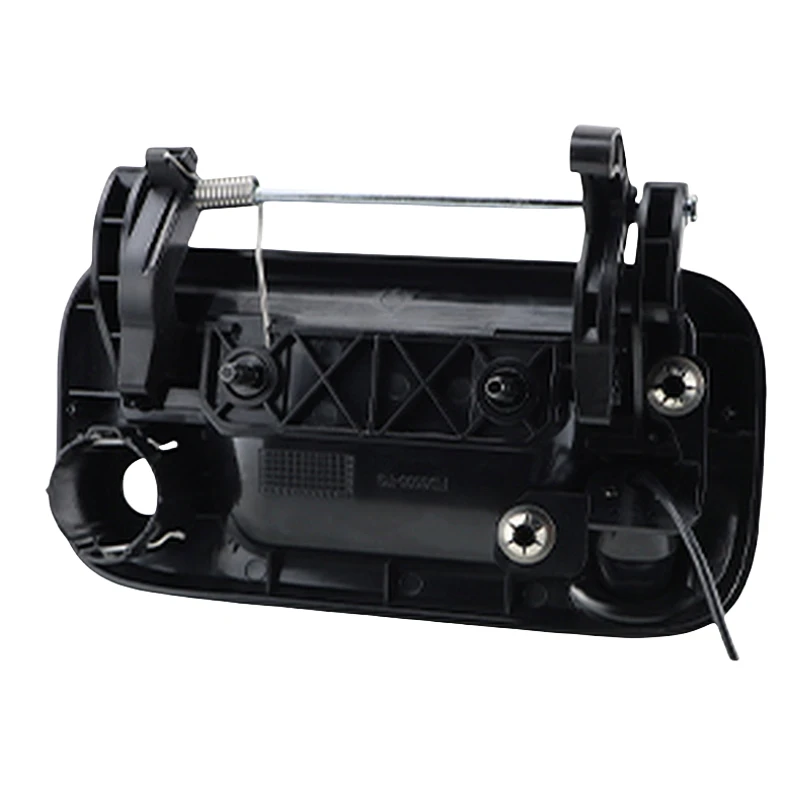
Different Pickup Truck Models and Their Cameras
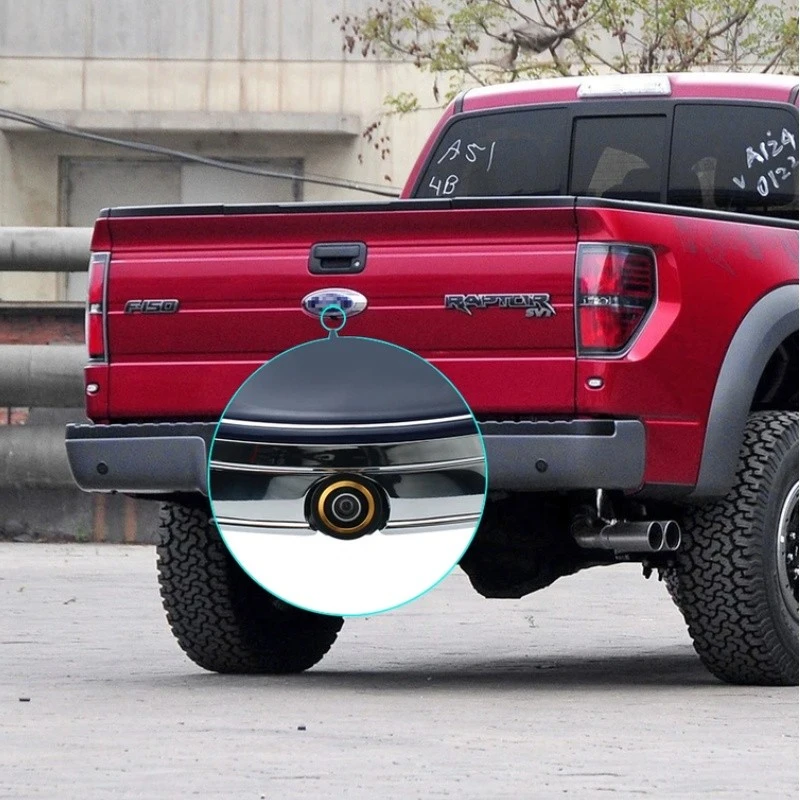
Now, let's talk about some specific pickup truck models and their reversing cameras. We offer a range of cameras that are compatible with different pickup trucks.
For Ford F - Series trucks, we have the Ford F - Series Truck Outdoor Reverse Camera (Full Compatibility 2015 - 2023). This camera is designed to work perfectly with Ford F - Series trucks from 2015 to 2023. It has a high - quality image sensor that can capture clear and detailed images. Adjusting the saturation on this camera is quite straightforward. Just follow the steps I mentioned above, and you'll be able to get the colors looking just right.
If you have an older Ford F - Series truck from 2004 - 2014, we have the Ford F - Series Truck Legacy Reverse Camera (2004 - 2014 Full Compatibility). This camera is specifically tailored to fit the older models. Although the settings menu might be a bit different from the newer models, the basic principle of adjusting saturation remains the same.
For Dodge Ram trucks, we offer the Dodge Ram Truck Dedicated Outdoor Reverse Camera (Full Compatibility 2002 - 2023). This camera can handle a wide range of Dodge Ram models from 2002 to 2023. It provides excellent color accuracy, and you can easily fine - tune the saturation to suit your needs.
Tips for Optimal Saturation
- Consider the Environment: As I mentioned earlier, think about the driving conditions you usually encounter. If you drive in a lot of bright sunlight, you might want to keep the saturation a bit lower to avoid over - saturated colors. In low - light areas, increasing the saturation slightly can make the objects more visible.
- Compare with Real - Life Colors: While making adjustments, try to compare the colors on the camera display with the real - life colors of the objects around you. This can help you get a more accurate sense of whether the saturation is correct.
- Take Your Time: Don't rush the adjustment process. It might take a few tries to get the saturation just right. Make small adjustments and test each time to see the changes.
Contact for Purchase and Consultation
If you're interested in our pickup truck series reversing cameras or have any questions about adjusting the saturation or other camera - related issues, feel free to reach out. We're always here to help you find the best camera for your pickup truck and ensure that you can use it to its full potential. Whether you need advice on installation, settings adjustment, or just want to know more about our product range, we've got your back.
References
- "Automotive Camera Technology Handbook"
- "Guide to Vehicle Safety Features and Accessories"


