


Hey there, fellow pickup truck enthusiasts! I'm stoked to share some insider knowledge on how to calibrate a reversing camera in a pickup truck series. As a supplier of top - notch pickup truck series reversing cameras, I've seen it all and learned a thing or two about getting these cameras to work like a charm.
First off, let's talk about why calibration is so important. A well - calibrated reversing camera can be a total game - changer when you're backing up your pickup. It gives you a clear and accurate view of what's behind you, helping you avoid collisions with other vehicles, objects, or even pedestrians. Trust me, it's worth taking the time to get it right.
Pre - Calibration Checks
Before you start the calibration process, there are a few things you need to do. First, make sure your camera is properly installed. It should be securely mounted in the right position, usually at the rear of the truck. Check all the connections to ensure they're tight and there are no loose wires. A loose connection can cause all sorts of issues, like a fuzzy image or no image at all.
Next, clean the camera lens. Dirt, dust, and grime can block the camera's view and affect the calibration. Use a soft, lint - free cloth to gently wipe the lens. You can also use a mild cleaning solution if the lens is really dirty, but make sure to dry it thoroughly afterward.
Tools You'll Need
You don't need a whole bunch of fancy tools to calibrate your reversing camera. Here's what you'll need:
- A flat, level surface: You'll need to park your truck on a flat and level surface for accurate calibration. A driveway or an empty parking lot works great.
- Measuring tape: This will help you measure distances accurately.
- Chalk or masking tape: You'll use this to mark reference points on the ground.
Step - by - Step Calibration Process
Step 1: Park Your Truck
Park your pickup truck on the flat, level surface. Make sure the truck is in a straight line and the wheels are straight. Engage the parking brake to keep the truck from moving during the calibration process.
Step 2: Mark the Reference Points
Using the chalk or masking tape, mark two reference points on the ground behind the truck. The first point should be about 1 meter (3.3 feet) from the rear of the truck, and the second point should be about 2 meters (6.6 feet) from the rear of the truck. These points will help you determine if the camera is showing the correct distances.
Step 3: Turn On the Camera
Start your truck and turn on the ignition. Put the truck in reverse gear to activate the reversing camera. The camera should display an image on your dashboard monitor.
Step 4: Adjust the Camera Angle
Most reversing cameras have adjustable angles. You'll need to adjust the angle of the camera so that the reference points you marked on the ground are clearly visible on the monitor. Use the camera's adjustment screws or knobs to make small adjustments to the angle.
Step 5: Check the Distance Markings
Many reversing cameras come with distance markings on the monitor. These markings are supposed to show you how far away objects are from your truck. Compare the distance markings on the monitor with the actual distances of the reference points you marked on the ground. If the markings are off, you'll need to adjust the camera's settings.
Step 6: Fine - Tune the Settings
Most modern reversing cameras have settings that you can adjust, such as brightness, contrast, and color. These settings can affect the clarity and accuracy of the image. Play around with these settings until you get a clear and sharp image. You may also need to adjust the distance markings if they're still not accurate.
Specific Models and Their Considerations
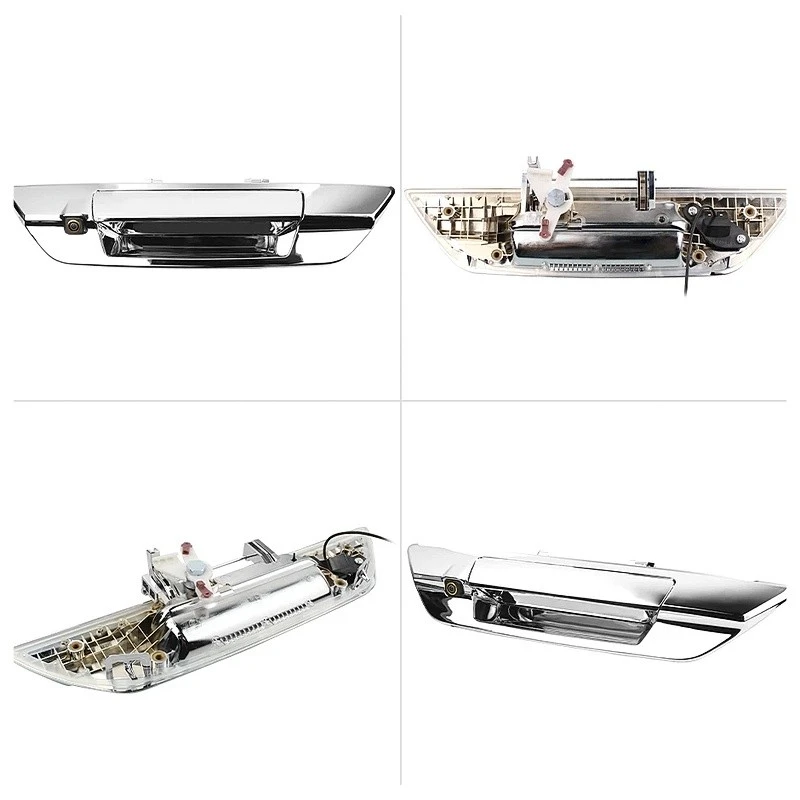
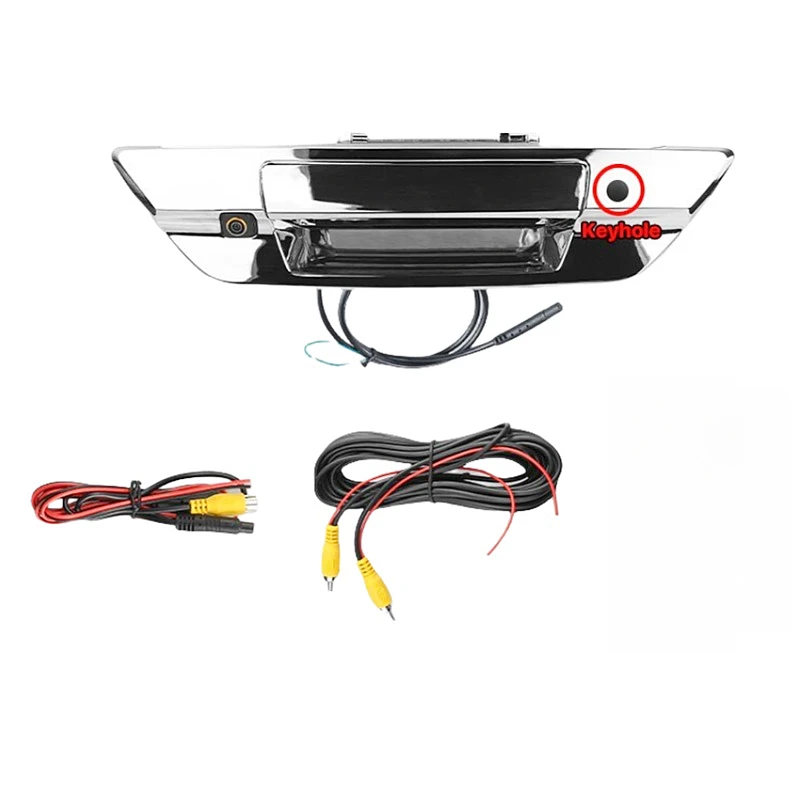
Now, let's talk about some specific pickup truck models and their reversing cameras. We offer a wide range of cameras for different pickup truck series, including the Toyota Hilux Chrome Edition Reverse Camera. This camera is specifically designed for the Toyota Hilux Chrome Edition and offers a high - quality image.
When calibrating the Toyota Hilux Chrome Edition Reverse Camera, you'll want to pay special attention to the camera's position. It should be mounted at the right height and angle to give you the best view of the area behind the truck. Also, make sure to follow the manufacturer's instructions for adjusting the settings.
Another popular model is the Dodge Ram Truck Dedicated Outdoor Reverse Camera (Full Compatibility 2002 - 2023). This camera is built to withstand the elements and offers full compatibility with Dodge Ram trucks from 2002 to 2023. When calibrating this camera, you may need to adjust the settings based on the specific year and model of your Dodge Ram truck.
We also have the Dodge Ram Classic Reverse Camera (2002 - 2008 Full Compatibility). This camera is designed for the Dodge Ram Classic models from 2002 to 2008. The calibration process is similar to other cameras, but make sure to check the mounting position and adjust the settings according to the truck's specifications.
Troubleshooting
If you're having problems with the calibration, don't worry. Here are some common issues and how to fix them:
- Fuzzy or Blurry Image: This could be due to a dirty lens, a loose connection, or incorrect settings. Clean the lens, check the connections, and adjust the settings to see if that fixes the problem.
- Inaccurate Distance Markings: If the distance markings on the monitor don't match the actual distances, you may need to adjust the camera's angle or settings. Refer to the camera's user manual for instructions on how to do this.
- No Image at All: Check the power supply and the connections. Make sure the camera is properly connected to the monitor and that the power is on. If the problem persists, there may be a fault with the camera itself.
Conclusion
Calibrating your reversing camera in a pickup truck series is not as hard as it may seem. By following these steps and taking your time, you can ensure that your camera provides a clear and accurate view of what's behind you. Remember, a well - calibrated camera can make a big difference in your safety on the road.
If you're in the market for a new reversing camera for your pickup truck, we've got you covered. We offer a wide range of high - quality cameras for different pickup truck models. Whether you have a Toyota Hilux, a Dodge Ram, or another type of pickup truck, we have a camera that's right for you.
If you have any questions or need more information about our products, feel free to reach out. We're here to help you find the perfect reversing camera for your truck and make sure you get the most out of it. Don't hesitate to contact us for any purchasing inquiries or to discuss your specific needs. We're always happy to assist!
References
- General automotive repair manuals
- Manufacturer's instructions for reversing cameras


