


As a dedicated supplier of Mercedes - Benz OEM handle cameras, I've witnessed firsthand the importance of seamless synchronization between these cameras and other in - car devices. In this blog, I'll share some professional insights and practical steps on how to achieve this synchronization.
Understanding the Significance of Synchronization
Synchronizing the Mercedes - Benz OEM handle camera with other in - car devices is not just a technical feat; it's about enhancing the overall driving experience. When the camera works in harmony with the in - car display, navigation system, and other safety features, it provides drivers with accurate and timely information. For example, when reversing, the camera feed should appear instantly on the in - car screen, and the distance markers should align precisely with the actual distance from obstacles. This not only improves safety but also makes driving more convenient.
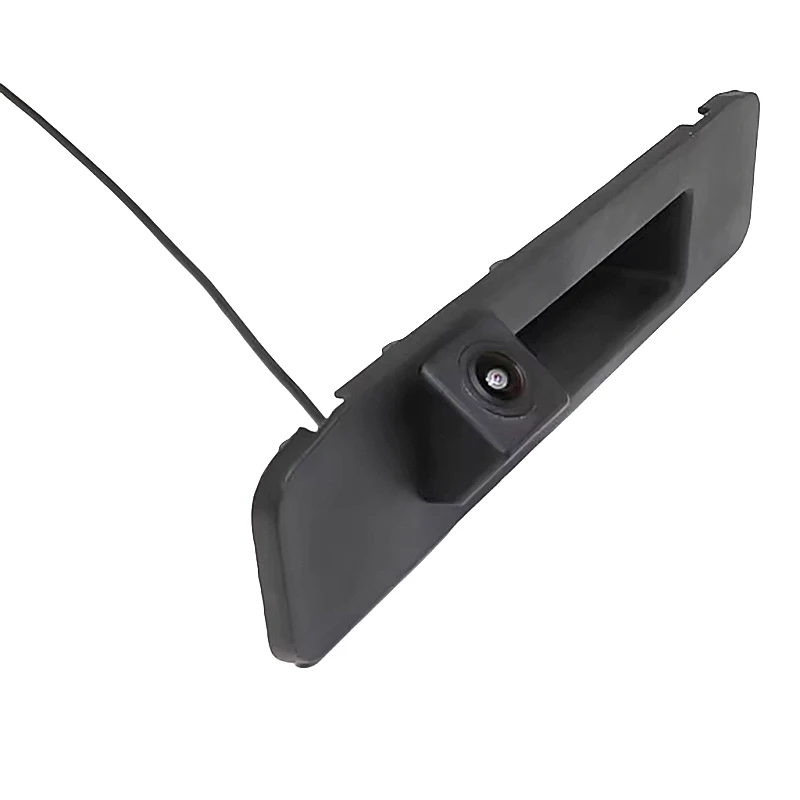
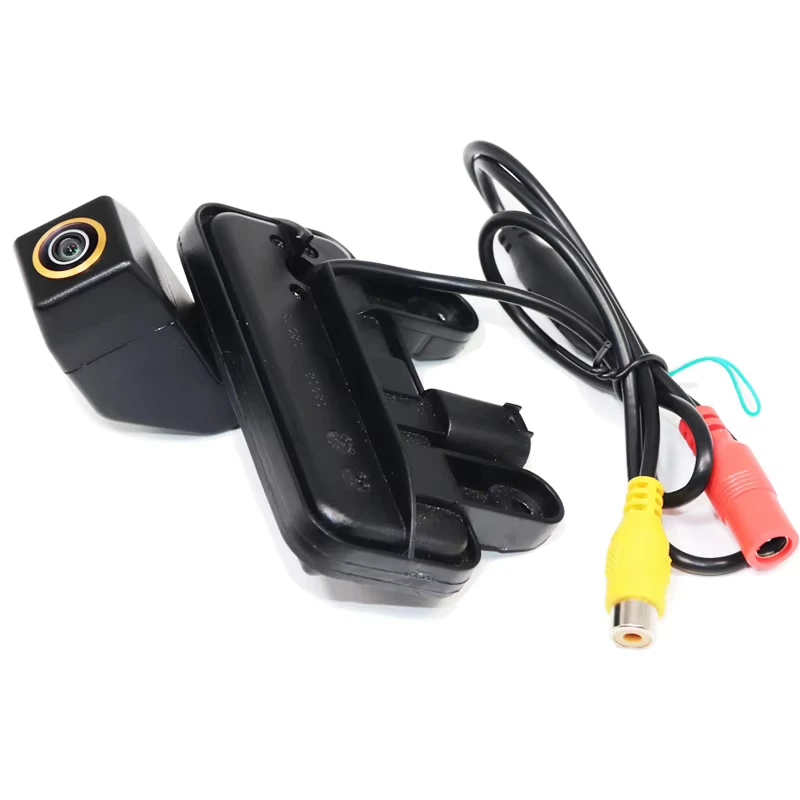
Compatibility Considerations
Before attempting to synchronize the camera, it's crucial to ensure compatibility between the OEM handle camera and other in - car devices. Different models of Mercedes - Benz may have different in - car systems, and the camera needs to be compatible with the specific system in the vehicle.
Our company offers a wide range of Mercedes - Benz OEM handle cameras, such as the 2013 - 2024 Mercedes - Benz Full Series Dedicated Reverse Camera, which is designed to be compatible with a large number of Mercedes - Benz models from 2013 to 2024. Additionally, we have the Mercedes - Benz B180/B200 Dedicated CVBS Reverse Camera for specific B - class models and the 2012 - 2015 Mercedes - Benz GLK300 Reverse Camera for the GLK300 from 2012 - 2015. These cameras are engineered to meet the high - standards of Mercedes - Benz and are more likely to synchronize smoothly with the corresponding in - car devices.
Steps for Synchronization
1. Physical Installation
The first step in synchronization is the proper physical installation of the OEM handle camera. The camera should be installed in the correct position on the vehicle. Usually, it is installed on the rear handle of the Mercedes - Benz, ensuring a clear view of the rear area. During installation, make sure all cables are properly connected. The power cable should be connected to a reliable power source in the vehicle, and the video cable should be connected to the in - car display system.
2. System Configuration
After the physical installation, the next step is to configure the in - car system. This may involve accessing the vehicle's settings menu. In some Mercedes - Benz models, you can use the in - car touchscreen or control buttons to enter the settings. Look for options related to the rear - view camera or external devices. You may need to select the correct camera input source if there are multiple options available.
3. Calibration
Calibration is an essential part of the synchronization process. It ensures that the distance markers on the in - car display accurately represent the real - world distances. To calibrate the camera, you'll need to park the vehicle in a flat and open area with clear markings. Follow the instructions in the vehicle's user manual to perform the calibration. This may involve adjusting the settings based on the feedback from the camera's view and the actual distances measured.
4. Testing
Once the installation, configuration, and calibration are complete, it's time to test the synchronization. Start the vehicle and engage the reverse gear. Check if the camera feed appears on the in - car display immediately. Observe the distance markers and ensure they are accurate. You can also test the camera's performance under different lighting conditions to ensure it provides clear and reliable images at all times.
Troubleshooting Common Issues
Even with proper installation and configuration, issues may still arise during the synchronization process. Here are some common problems and their solutions:
1. No Camera Feed
If there is no camera feed on the in - car display, first check the cable connections. Make sure all cables are securely plugged in. If the cables are fine, the issue may be with the camera itself or the in - car display system. Try resetting the in - car system by turning off the vehicle and restarting it. If the problem persists, it may be necessary to contact a professional technician.
2. Incorrect Distance Markers
If the distance markers on the display do not match the actual distances, re - calibrate the camera. Double - check the calibration process and make sure all steps are followed correctly. Sometimes, the issue may be due to a software glitch in the in - car system, and a system update may be required.
3. Poor Image Quality
Poor image quality can be caused by a dirty camera lens. Clean the lens with a soft, dry cloth. If the problem persists, it could be due to a faulty camera or a problem with the video cable. Check the cable for any signs of damage and replace it if necessary.
Maximizing the Benefits of Synchronization
Once the Mercedes - Benz OEM handle camera is successfully synchronized with other in - car devices, there are several ways to maximize its benefits.
1. Regular Maintenance
Regularly clean the camera lens to ensure clear images. Check the cable connections periodically to prevent any loose connections that could affect the synchronization.
2. Software Updates
Keep the in - car system up - to - date with the latest software updates. These updates often include improvements to the camera's performance and synchronization with other devices.
3. Integration with Other Safety Features
Explore the possibility of integrating the camera with other safety features in the vehicle, such as parking sensors. This can provide a more comprehensive view of the vehicle's surroundings and further enhance safety.
Conclusion
Synchronizing the Mercedes - Benz OEM handle camera with other in - car devices is a process that requires careful installation, configuration, and calibration. By following the steps outlined in this blog and addressing any issues that may arise, you can ensure a seamless and reliable synchronization. Our company is committed to providing high - quality Mercedes - Benz OEM handle cameras that are easy to synchronize with in - car devices. If you are interested in purchasing our products or have any questions about synchronization, please feel free to contact us for further discussion on procurement.
References
- Mercedes - Benz Vehicle User Manuals
- Industry research on in - car camera technology and synchronization


