


As a supplier of the Toyota Hilux Chrome Edition Reverse Camera, I understand the frustration when your reverse camera fails to work. A malfunctioning reverse camera can compromise safety and convenience while driving. In this blog, I'll guide you through a step-by-step troubleshooting process to identify and potentially resolve issues with your Toyota Hilux Chrome Edition reverse camera.
Step 1: Check the Power Supply
The first and most basic step is to ensure that the camera is receiving power. A lack of power is one of the most common reasons for a non - functioning reverse camera.
- Inspect the Fuse: Locate the fuse related to the reverse camera in your vehicle's fuse box. Refer to your vehicle's manual to find the exact location and the specific fuse for the camera. A blown fuse can cut off the power supply to the camera. If the fuse is blown, replace it with a new one of the same amperage rating.
- Verify the Wiring Connections: Examine the wiring that connects the camera to the power source. Look for any loose, damaged, or corroded connections. Sometimes, vibrations from driving can cause the wires to come loose. If you find any loose connections, reconnect them securely. For damaged or corroded wires, you may need to repair or replace them.
Step 2: Examine the Camera Lens
A dirty or obstructed camera lens can also cause problems with the reverse camera's performance.
- Clean the Lens: Use a soft, lint - free cloth to gently clean the camera lens. You can dampen the cloth with a small amount of mild soap and water if there are stubborn stains. Avoid using abrasive materials that could scratch the lens.
- Check for Physical Damage: Inspect the lens for any cracks or chips. A damaged lens can distort the image or prevent the camera from working altogether. If you find physical damage to the lens, you may need to replace the camera.
Step 3: Review the Display Unit
The issue might not be with the camera itself but with the display unit in your vehicle.
- Check the Screen: Look for any signs of damage on the display screen, such as cracks or dead pixels. A damaged screen can make it difficult or impossible to view the camera feed. If the screen is damaged, it may need to be repaired or replaced.
- Restart the Display: Try turning off the vehicle and then restarting it. Sometimes, a simple restart can resolve software glitches that may be causing the display not to show the camera image.
Step 4: Look for Software Issues
Modern reverse cameras often rely on software to function properly. Software glitches can cause the camera to malfunction.
- Update the Software: Check if there are any available software updates for your vehicle's reverse camera system. You can usually find this information on the manufacturer's website. Follow the instructions provided to update the software.
- Reset the System: Some vehicles allow you to reset the reverse camera system. Refer to your vehicle's manual to find out how to perform a system reset. This can sometimes clear any software - related issues.
Step 5: Inspect the Transmission and Signal
A problem with the signal transmission between the camera and the display unit can also lead to a non - functioning reverse camera.
- Check the Antenna: If your camera uses a wireless connection, ensure that the antenna is properly connected and not damaged. A weak or damaged antenna can result in a poor signal and a non - working camera.
- Look for Interference: Wireless reverse cameras can be affected by interference from other electronic devices. Try moving any nearby electronic devices away from the camera and the display unit to see if the problem is resolved.
Related Products
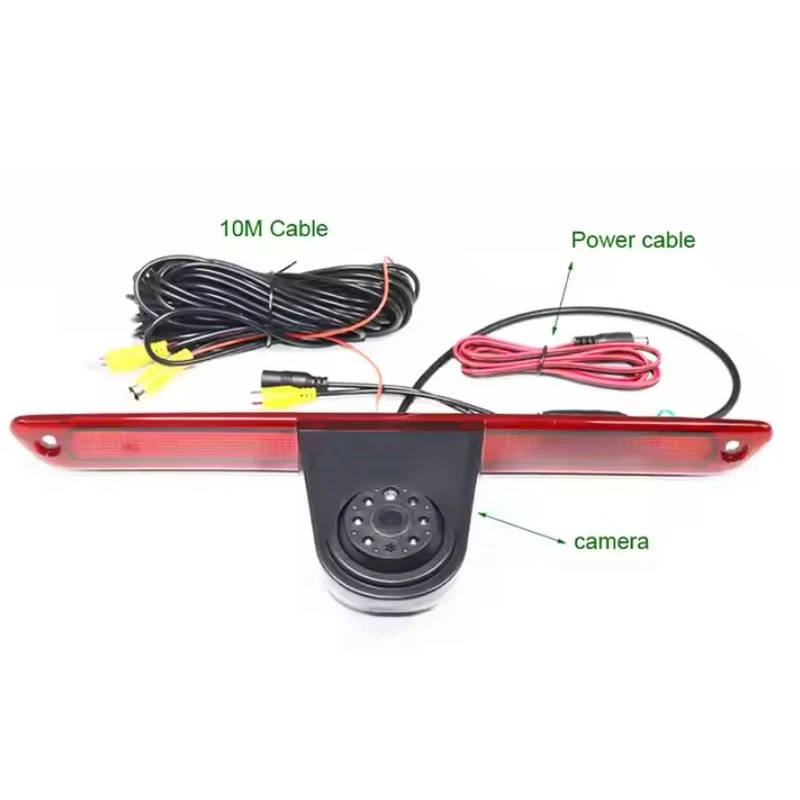
If you are still facing issues with your Toyota Hilux Chrome Edition reverse camera or are interested in other reverse camera options, we also offer a range of high - quality reverse cameras for different vehicles. For example, the Fiat Ducato Citroën Jumper High - Mount Brake Light Camera is a great option for Fiat Ducato and Citroën Jumper vehicles. It provides clear visibility when reversing.
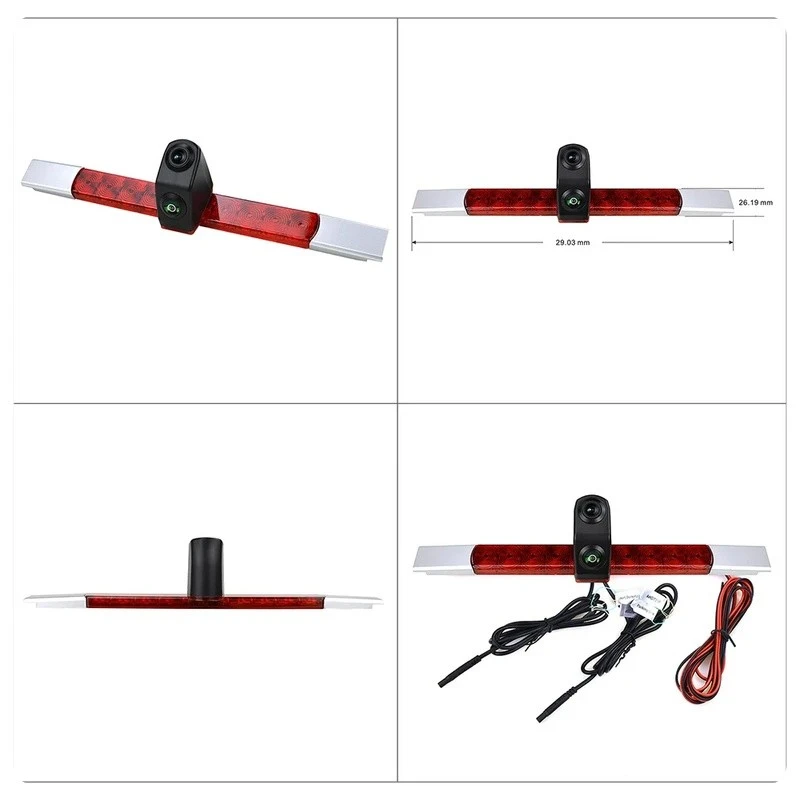
Another product is the Universal Dual - Lens 18.5mm High - Mount Stop Lamp Backup Camera. This universal camera can be installed in a variety of vehicles and offers a wide - angle view.
For Mercedes - Benz Sprinter owners, the Mercedes - Benz Sprinter High - Mount Brake Light Camera is a reliable choice. It is designed specifically for Mercedes - Benz Sprinter vehicles and ensures optimal performance.
Contact for Purchase and Consultation
If you have any questions about troubleshooting your Toyota Hilux Chrome Edition reverse camera or are interested in purchasing our products, we are here to assist you. Feel free to reach out for more information and to start a purchase negotiation. We are committed to providing you with the best reverse camera solutions.
References
- Toyota Hilux Chrome Edition vehicle manual
- Manufacturer's documentation for the reverse camera system


