


Hey there! As a supplier of Audi reversing camera decoding modules, I've seen firsthand how interference can be a real pain in the you - know - what when using these nifty gadgets. In this blog, I'm gonna share some tips on how to avoid that pesky interference and keep your Audi's reversing camera working like a charm.
First off, let's understand what causes interference in the first place. There are a few common culprits. One of the main ones is electromagnetic interference (EMI). Modern cars are full of electronic components, and all those electrical signals can create a bit of a mess. For example, the engine's ignition system, the radio, and even other nearby electronic devices can send out electromagnetic waves that interfere with the signal from your reversing camera decoding module.
Another source of interference can be poor wiring. If the cables connecting your camera and the decoding module are not properly shielded or are damaged, they can pick up all sorts of unwanted signals. And let's not forget about signal strength. If the signal from the camera is too weak, it's more likely to get drowned out by background noise.
So, how do we tackle these issues? Well, let's start with dealing with EMI. One of the simplest things you can do is to make sure your decoding module is installed in a location that's as far away as possible from other electronic components. For instance, try to avoid placing it near the car's radio or the engine control unit. If you're installing it yourself, take a good look at your car's interior and find a spot that's relatively quiet in terms of electromagnetic activity.
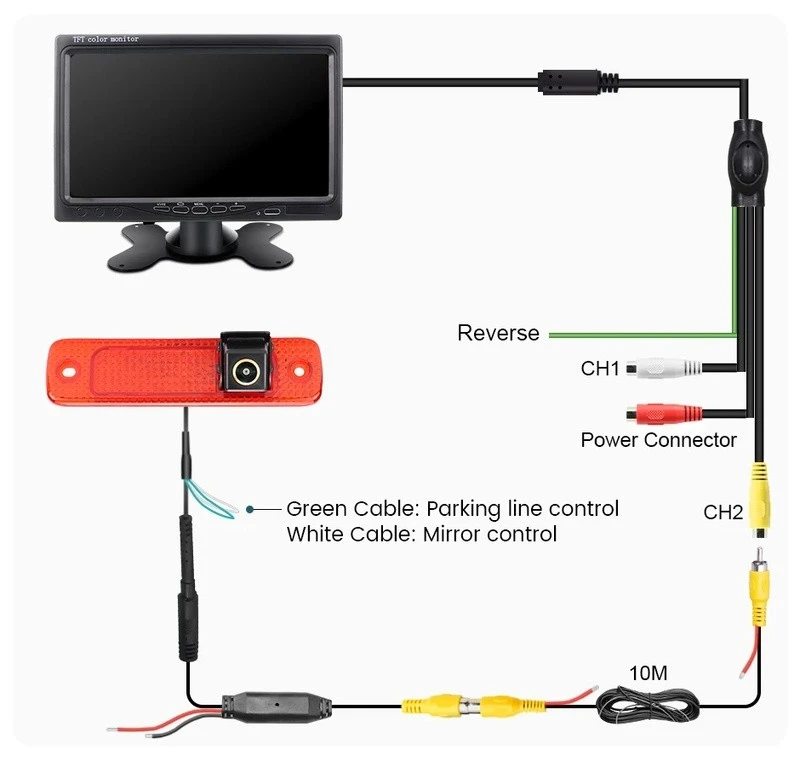
When it comes to wiring, quality is key. Always use high - quality, shielded cables. These cables are designed to block out external electromagnetic signals. You can find some great options on our website. For example, our MQB PQ MIB Original Stereo CanBus Car Reversing Parking Camera comes with top - notch wiring that helps reduce interference. Make sure to route the cables neatly and avoid running them parallel to other power cables. If you have to cross other cables, do it at a 90 - degree angle. This can significantly reduce the chances of signal interference.
Signal strength is also crucial. A weak signal is like a whisper in a noisy room. To boost the signal, you can use a signal amplifier. Some of our decoding modules come with built - in amplifiers, which can really make a difference. If your module doesn't have one, you can purchase an external amplifier separately. Just make sure it's compatible with your Audi's system.
Now, let's talk about grounding. Proper grounding is often overlooked but is super important. A good ground connection helps to stabilize the electrical system and reduce interference. When installing your decoding module, make sure it's properly grounded to the car's chassis. You can use a grounding strap or a grounding wire to ensure a solid connection.
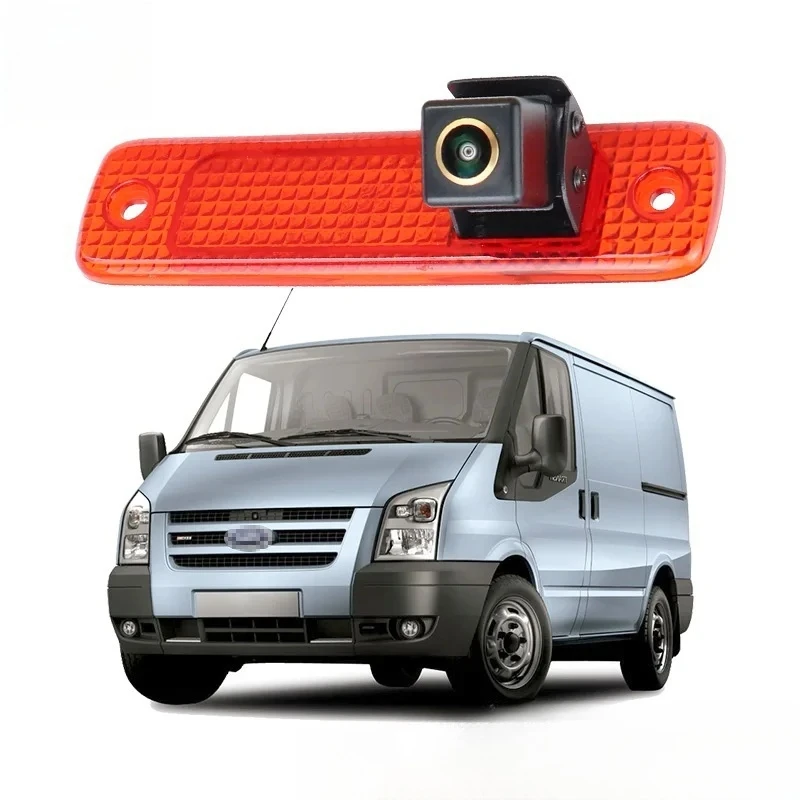
Another thing to consider is the camera itself. If you're using an older or low - quality camera, it might be more prone to interference. Upgrading to a better camera can solve a lot of problems. We offer a wide range of cameras, like the Ford Transit 2006 - 2013 High - Mount Stop Lamp Integrated Backup Camera. These cameras are designed to provide a strong and clear signal, which is less likely to be affected by interference.
If you're still experiencing interference after trying all these steps, it could be a problem with the decoding module itself. Sometimes, there might be a manufacturing defect or a compatibility issue. In this case, it's a good idea to contact us. We have a team of experts who can help troubleshoot the problem and offer a solution.
We also understand that different Audi models might have unique requirements. That's why we've developed a variety of decoding modules to ensure compatibility with a wide range of vehicles. For example, our Mercedes - Benz Full - Range COMAND 4.5 Reverse Camera Decoder Module (2005 - 2014 Model Compatibility) is designed to work seamlessly with specific models. Although it's for Mercedes - Benz, it gives you an idea of how we focus on model - specific compatibility to minimize interference.
In addition to these technical solutions, regular maintenance is also important. Check your wiring and the camera from time to time for any signs of damage. If you notice any frayed cables or loose connections, fix them immediately. A little bit of preventive maintenance can go a long way in keeping your reversing camera system interference - free.
To sum it up, avoiding interference when using an Audi reversing camera decoding module requires a combination of smart installation, high - quality components, and proper maintenance. By following these tips, you can enjoy a clear and reliable view when reversing your car.
If you're in the market for an Audi reversing camera decoding module or have any questions about interference or installation, don't hesitate to get in touch. We're here to help you make the most of your Audi's reversing camera system. Whether you're a DIY enthusiast or a professional installer, we have the products and expertise to meet your needs. So, drop us a line and let's start a conversation about how we can get your car's reversing camera working perfectly.
References
- Automotive Electronics Handbook
- Car Audio and Electronics Installation Guide


