


Setting up a split-screen display on the BMW CIC System Backup Camera Decoding Module can significantly enhance your driving experience, providing you with a broader view and increased safety while reversing. As a trusted supplier of the BMW CIC System Backup Camera Decoding Module, I'm here to guide you through the process step by step.
Understanding the BMW CIC System Backup Camera Decoding Module
Before we dive into the setup process, let's briefly understand what the BMW CIC System Backup Camera Decoding Module is. This module is designed to integrate a backup camera into your BMW's CIC (Car Infotainment Computer) system. It decodes the camera signal and displays it on your vehicle's factory screen, allowing you to see what's behind you when you shift into reverse.
Prerequisites
- BMW CIC System Backup Camera Decoding Module: Of course, you'll need the module itself. As a supplier, we ensure that our modules are of the highest quality, compatible with various BMW models, and come with all the necessary cables and instructions.
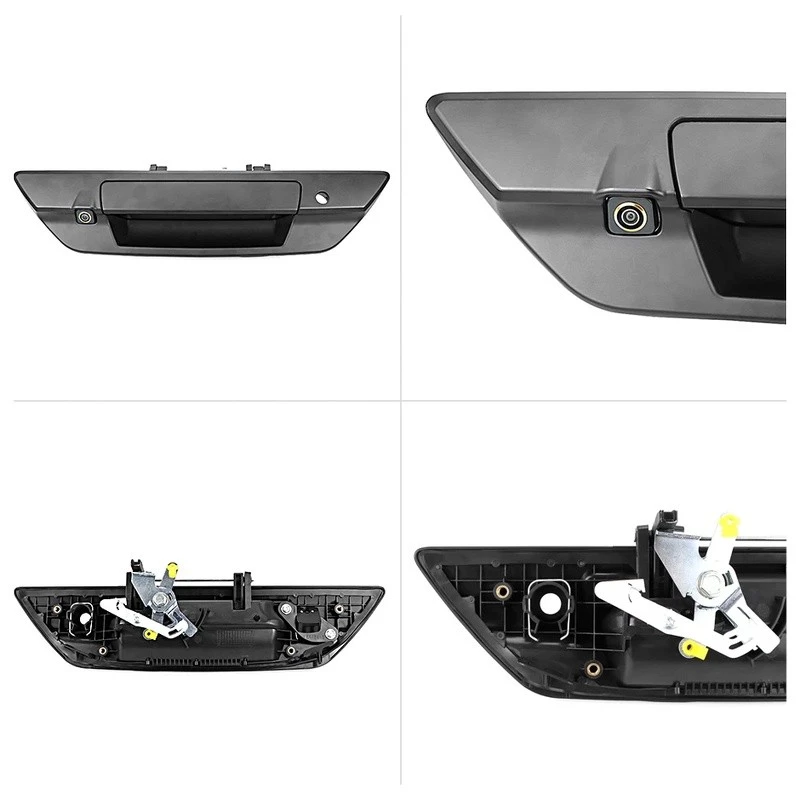
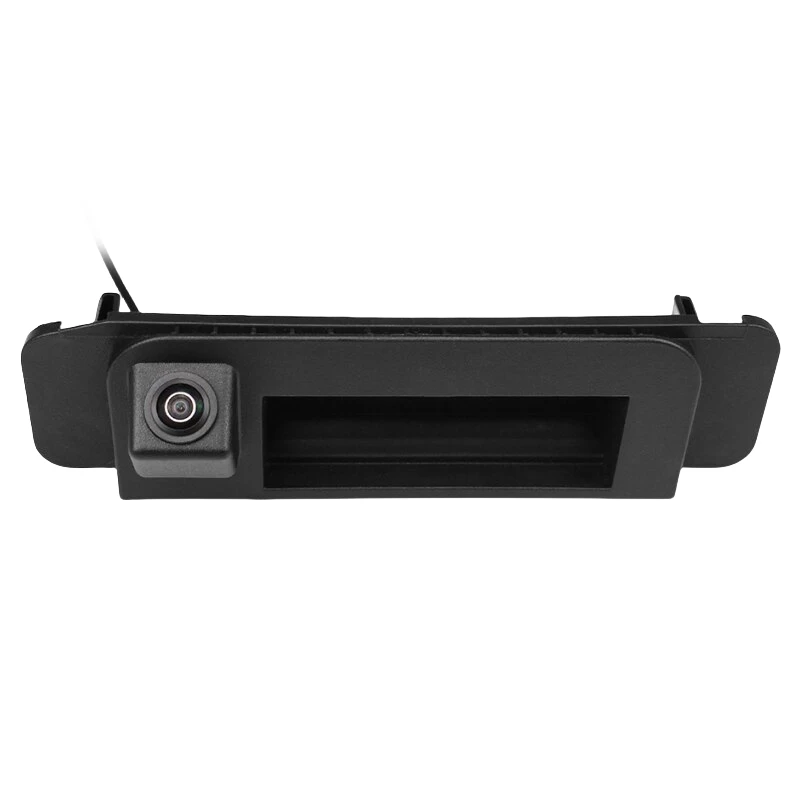
- Backup Camera: A high - quality backup camera is essential. You can choose from a wide range of options, such as the Volkswagen Flip Emblem Camera Roller Slide Friction Cap, the Toyota Hilux Matte Black Textured Reverse Camera, or the 2015 - 2021 Mercedes - Benz C - Class/CLA Factory Screen Reverse Camera. While these are from different makes, they can be adapted in some cases with our decoding module.
- Tools: You'll need basic tools such as a screwdriver, wire strippers, and electrical tape.
Step 1: Preparation
- Read the Manual: Start by carefully reading the installation manual that comes with the BMW CIC System Backup Camera Decoding Module. It contains important information about the module's features, compatibility, and installation steps.
- Park Your Vehicle: Park your BMW in a safe and well - lit area. Make sure the engine is turned off and the keys are removed from the ignition.
- Gather Your Materials: Lay out all the components, including the decoding module, backup camera, cables, and tools, so that you have easy access to them during the installation process.
Step 2: Install the Backup Camera
- Choose the Location: Select an appropriate location for the backup camera. Common locations include the rear bumper, license plate area, or the tailgate. The location should provide a clear view of the area behind your vehicle.
- Mount the Camera: Use the provided mounting hardware to securely attach the backup camera to the chosen location. Make sure it is level and properly aligned.
- Run the Camera Cable: Carefully run the camera cable from the backup camera to the interior of your vehicle. You may need to drill a small hole in the body of the car to pass the cable through. Use rubber grommets to protect the cable and prevent water from entering the vehicle.
Step 3: Connect the Decoding Module
- Locate the CIC System: Find the BMW CIC system in your vehicle. It is usually located in the dashboard area.
- Connect the Cables: Connect the cables from the decoding module to the CIC system and the backup camera. Follow the color - coding and instructions in the manual to ensure proper connections. Make sure all connections are secure and free of loose wires.
- Power Connection: Connect the power cable of the decoding module to a suitable power source in your vehicle. This may be the reverse light circuit, which will ensure that the backup camera is only powered when the vehicle is in reverse.
Step 4: Configure the Split - Screen Display
- Access the Settings: Once the decoding module is connected, turn on your vehicle's ignition. Navigate to the settings menu on your BMW's factory screen. Look for the option related to the backup camera or display settings.
- Enable Split - Screen Mode: In the settings menu, find the option to enable split - screen display. Select this option and adjust the settings according to your preferences. You can choose the size and position of the split - screen, as well as the camera view.
- Test the Display: Shift your vehicle into reverse and check the display on the factory screen. Make sure the split - screen is working properly and that the backup camera image is clear and without any distortion.
Step 5: Troubleshooting
- No Display: If there is no display on the screen, check all the connections to make sure they are secure. Also, check the power supply to the decoding module and the backup camera.
- Poor Image Quality: If the image quality is poor, check the camera lens for dirt or debris. You may also need to adjust the camera's position or focus.
- Interference: If there is interference on the screen, check for loose cables or electromagnetic interference from other electrical components in your vehicle.
Benefits of Split - Screen Display
- Enhanced Visibility: With a split - screen display, you can see multiple views simultaneously. For example, you can have a wide - angle view of the rear and a close - up view of a specific area, such as the bumper or a trailer hitch.
- Increased Safety: The split - screen display provides a more comprehensive view of the area behind your vehicle, reducing the risk of collisions with objects or pedestrians.
- Convenience: It makes parking and reversing easier, especially in tight spaces. You can quickly assess the situation and make more informed decisions.
Why Choose Our BMW CIC System Backup Camera Decoding Module
- Quality Assurance: Our modules are manufactured using high - quality materials and undergo strict quality control tests to ensure reliability and performance.
- Compatibility: We offer modules that are compatible with a wide range of BMW models, ensuring that you can find the right one for your vehicle.
- Technical Support: Our team of experts is available to provide technical support and assistance throughout the installation process. If you encounter any problems or have questions, we're here to help.
Contact Us for Purchase and Consultation
If you're interested in purchasing the BMW CIC System Backup Camera Decoding Module or have any questions about the split - screen setup process, we encourage you to get in touch with us. We're committed to providing you with the best products and services to enhance your driving experience. Whether you're a DIY enthusiast or a professional installer, we can offer you the solutions you need.
References
- BMW CIC System Backup Camera Decoding Module Installation Manual
- Automotive Electronics Handbook for Backup Camera Systems


