


Hey there! As a supplier of the BMW CIC System Backup Camera Decoding Module, I'm here to walk you through the installation requirements for this nifty little gadget. Whether you're a DIY enthusiast looking to spruce up your BMW or a professional installer, understanding these requirements is crucial for a smooth and successful installation.
Compatibility Checks
First things first, you need to make sure that the BMW CIC System Backup Camera Decoding Module is compatible with your specific BMW model. The CIC system has been used in various BMW models over the years, but not all models are created equal when it comes to integrating a backup camera decoding module.
You'll want to check the year, make, and model of your BMW. Some models might require additional adapters or modifications to work seamlessly with the decoding module. It's always a good idea to double - check the compatibility list provided by us. If you're not sure, just shoot us an email, and our team will be more than happy to help you figure it out.
Tools You'll Need
Installing the BMW CIC System Backup Camera Decoding Module isn't overly complicated, but you'll need a few essential tools. Here's a quick rundown:
- Screwdrivers: A set of Phillips and flat - head screwdrivers will come in handy for removing panels and securing components. You'll likely need to access the interior of your car, so having the right screwdrivers is a must.
- Wire Strippers: These are essential for cutting and stripping the wires during the installation process. You'll be connecting the decoding module to the existing wiring in your BMW, and wire strippers will help you make clean and secure connections.
- Electrical Tape: This is used to insulate the wire connections and prevent any short - circuits. You don't want any electrical issues after the installation, so make sure to use high - quality electrical tape.
- Trim Removal Tools: These tools are designed to remove the interior trim pieces without damaging them. Since you'll need to access the wiring and mounting points inside your car, trim removal tools are a great addition to your toolkit.
Location for the Decoding Module
Finding the right location to mount the BMW CIC System Backup Camera Decoding Module is important. You want a place that is easily accessible for future maintenance but also protected from the elements and potential damage.
Typically, the decoding module can be mounted in the trunk area or under the dashboard. The trunk is a popular choice because it's away from the heat and vibration of the engine compartment. Make sure to choose a spot that is dry and has enough space to accommodate the module. You'll also want to ensure that there is easy access to the wiring harnesses for connection.
Camera Installation
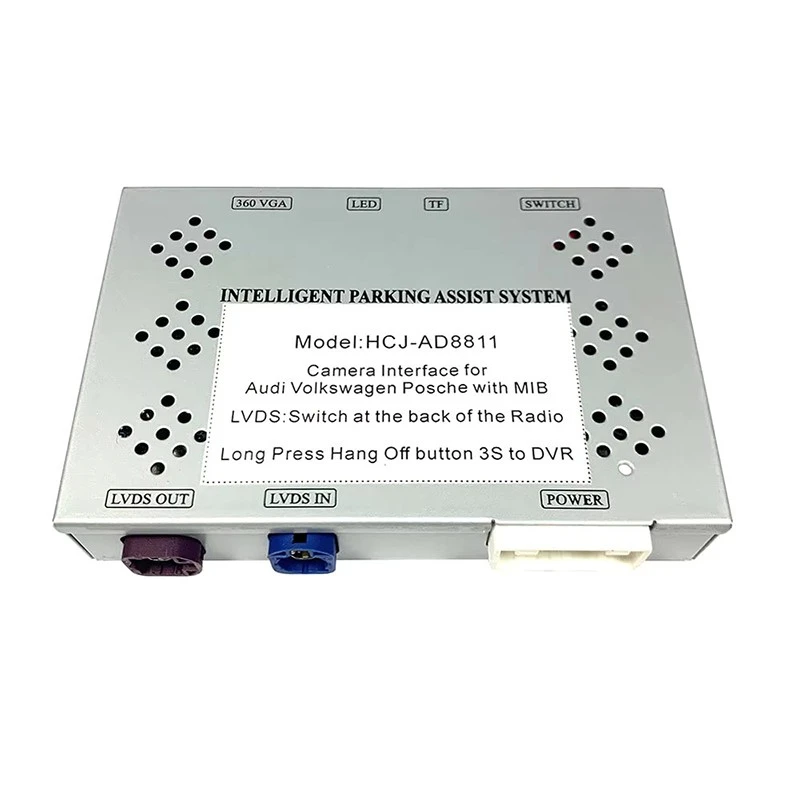
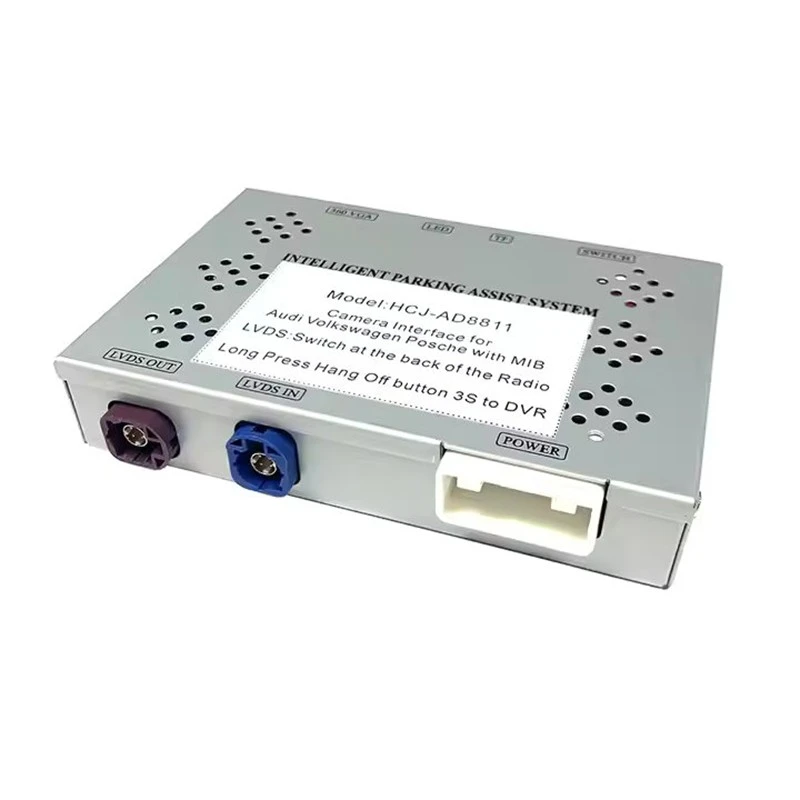
The backup camera is a key component of the system, and its installation is just as important as the decoding module. When installing the camera, you have a few options. You can choose a Skoda OEM Handle Camera, which offers a sleek and OEM - like appearance. Or, if you have an Audi, Porsche, or Bentley, you might be interested in the Audi/Porsche/Bentley MIB Reverse Camera Decoder Module (Full 2017 - 2018 Model Compatibility). For Volkswagen and Audi owners, the Volkswagen & Audi Large Handle Camera (OEM - Spec Design) is a great option.
The camera should be installed in a position that provides a clear view of the area behind your vehicle. This usually means mounting it near the license plate or on the rear bumper. Make sure to clean the surface where you'll be mounting the camera to ensure a secure attachment. You'll also need to run the camera cable from the camera to the decoding module, which can be a bit tricky. It's important to route the cable away from any moving parts or areas where it could get pinched.
Wiring Connections
Wiring is one of the most critical parts of the installation process. You'll need to connect the decoding module to the existing wiring in your BMW. This includes connecting the power supply, the camera cable, and the video output to the CIC system.
Before making any connections, it's important to disconnect the battery to avoid any electrical shocks or damage to the components. Once the battery is disconnected, carefully follow the wiring diagram provided with the decoding module. Make sure to match the colors of the wires correctly and use the appropriate connectors. If you're not confident in your wiring skills, it might be a good idea to consult a professional installer.
Testing the System
After you've completed the installation and all the wiring connections are made, it's time to test the system. Reconnect the battery and start your BMW. Turn on the ignition and put the car in reverse. If everything is installed correctly, you should see the backup camera image on your CIC system display.
Check for any issues such as a fuzzy image, no image at all, or incorrect colors. If you encounter any problems, double - check your wiring connections and make sure that the camera is properly mounted. If the issue persists, don't hesitate to contact us. Our support team can walk you through some troubleshooting steps or arrange for a replacement if necessary.
Final Thoughts
Installing the BMW CIC System Backup Camera Decoding Module can greatly enhance your driving experience by providing a clear view of the area behind your vehicle. By following these installation requirements and taking your time with the process, you can ensure a successful installation.
If you're interested in purchasing the BMW CIC System Backup Camera Decoding Module or have any questions about the installation process, feel free to reach out. We're here to help you every step of the way. Whether you're a first - time installer or a seasoned pro, we've got the products and support you need.
References
- BMW CIC System Technical Manuals
- Experience from past installations and customer feedback


