

When driving, every car owner should remain highly alert and aware of their surroundings. No matter how advanced the car's features or how high its safety ratings, these are only secondary-the driver is the most critical factor. For instance, some drivers are careless, often driving while fatigued, especially on highways, which is extremely dangerous. Others have a habit of rushing through yellow lights, accelerating to cross an intersection just as the light turns yellow. If they're lucky, nothing might happen, but if not, they could end up running a red light or even colliding with another vehicle, leading to serious consequences.
Therefore, having a range of features in a car is indeed necessary, especially when it comes to active and passive safety systems. These include the number of airbags, automatic emergency braking, forward collision warning, lane departure warning, and lane-keeping assist. If possible, it's worth investing in these features, even if it means spending a little extra. Additionally, practical features like a rearview camera, or even a 360-degree panoramic camera and adaptive cruise control (ACC), can also be very useful in daily driving.
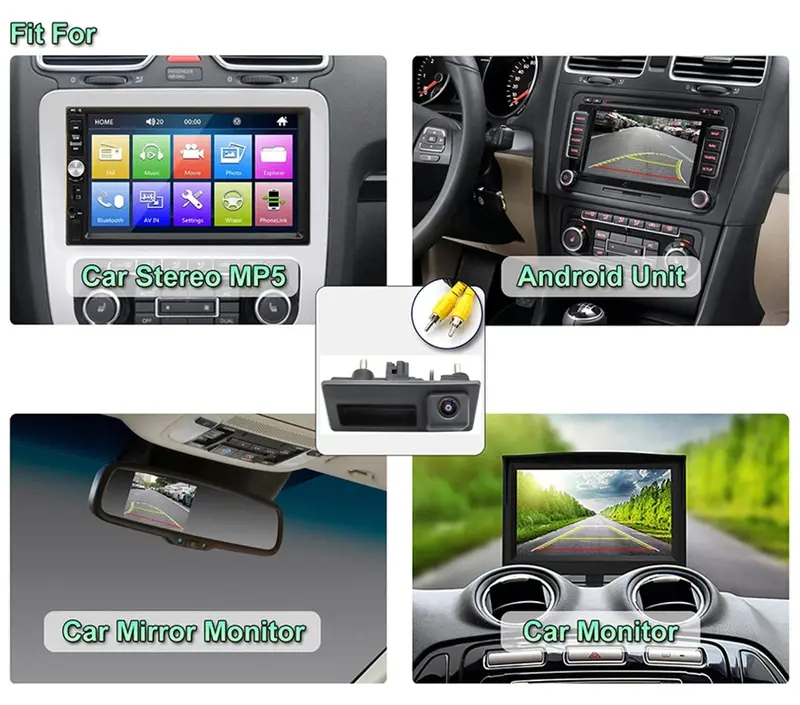
In this article, we'll focus on the "rearview camera" in cars-how exactly should you use it? One simple rhyme will teach you everything you need to know.
First, let's understand the purpose of a rearview camera. It helps drivers get a clear view of what's behind the car when reversing, making it easier to park safely. When the car is shifted into reverse (the R gear), the rearview camera automatically activates, displaying the rearview on the central screen. On the screen, you'll see three colored lines that change according to the direction of the vehicle. So, how do you interpret these lines?
It's actually quite simple. Just remember this practical rhyme: "Green for one meter, yellow for half a meter, and red means you're close." In other words, when the rearview camera is active, the front line is red, followed by a yellow line, and the farthest one is green. Each line indicates a different distance. The red line means the car is very close to an obstacle-generally, when an object enters the red zone, the rear of the car is less than 50 centimeters away (approximately 30-50 cm). At this point, you should slow down and ideally stop reversing.
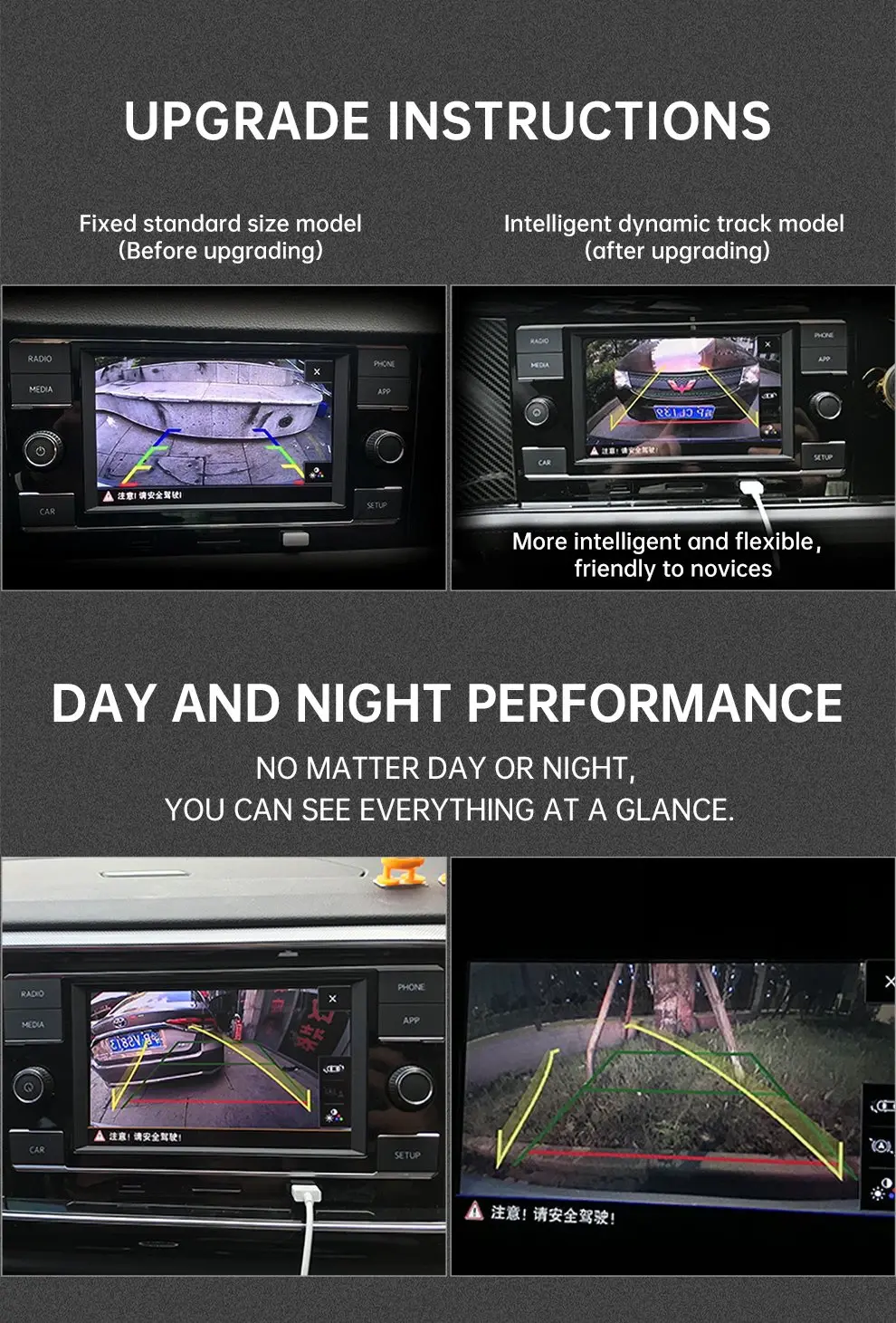
The yellow zone indicates that the rear of the car is within one meter of an obstacle (around 0.7-1 meter), reminding drivers to reverse slowly. If the obstacle is in the green zone, it's relatively safe, as the distance is typically about 1.5 meters, allowing you to continue reversing with confidence. Essentially, the three lines of the rearview camera function similarly to traffic lights: red means stop, yellow means caution, and green means go.
Of course, more and more cars now come equipped with an upgraded version of the rearview camera-the 360-degree panoramic camera. This feature not only shows the rear but also provides a view of the car's surroundings, further enhancing safety and practicality. For experienced drivers, however, a basic rearview camera is often sufficient. Some skilled drivers can even parallel park or reverse into a spot without any assistance, which is quite impressive. What are your thoughts on this?


